


Comparative Analysis
Alt text display, but without the low vision user in mind
On Alt Text.AI and Scribely
Alttext.ai and Scribely help companies write alt text for their websites - using AI and human writers respectively. This is an interesting question (whether to use AI to write alt text or not) which we will come back to later.
Interestingly, Scribely’s website uses a visual display button designed to showcase their images’ manually written alt text to potential clients. This button/display system proved to be one of several inspirations that we revisited during the design stage of our prototype.
On Userway and Equalweb
Userway and Equalweb provide accessibility overlays to the websites of their clients. Equalweb does provide visual display of image descriptions in their suite of features, but it's a little tricky to use. Userway does not include this as an option.
The debate over the efficacy of accessibility overlays is a long and storied one. If you're not familiar, I'd encourage you to research it more on your own time. For this project, we simply wanted to look at these tools to see if they provided some visual display of Alt Text as a reference. Equalweb's display of Alt Text requires the user to move their mouse cursor atop an image for the text to display. Once you’ve done that, the alt text will display at an inconsistent place on the screen relative to the image, so it is not necessarily a reliable tool for low vision users.
On The Image Alt Text Viewer Chrome Extension
The most relevant tool for our purposes was the Image Alt Text Viewer chrome extension. It can display the alt text for every image when turned on, but it introduces a significant amount of visual clutter to the screen. It was designed for developers to ensure that all images on their page contain alt text, so that they could quickly view text and fix it if necessary. It was not, however, designed for end users to simply obtain additional information about an image - it displays alt text for SVGs and background images, creating a significant amount of visual clutter on every page it touches.
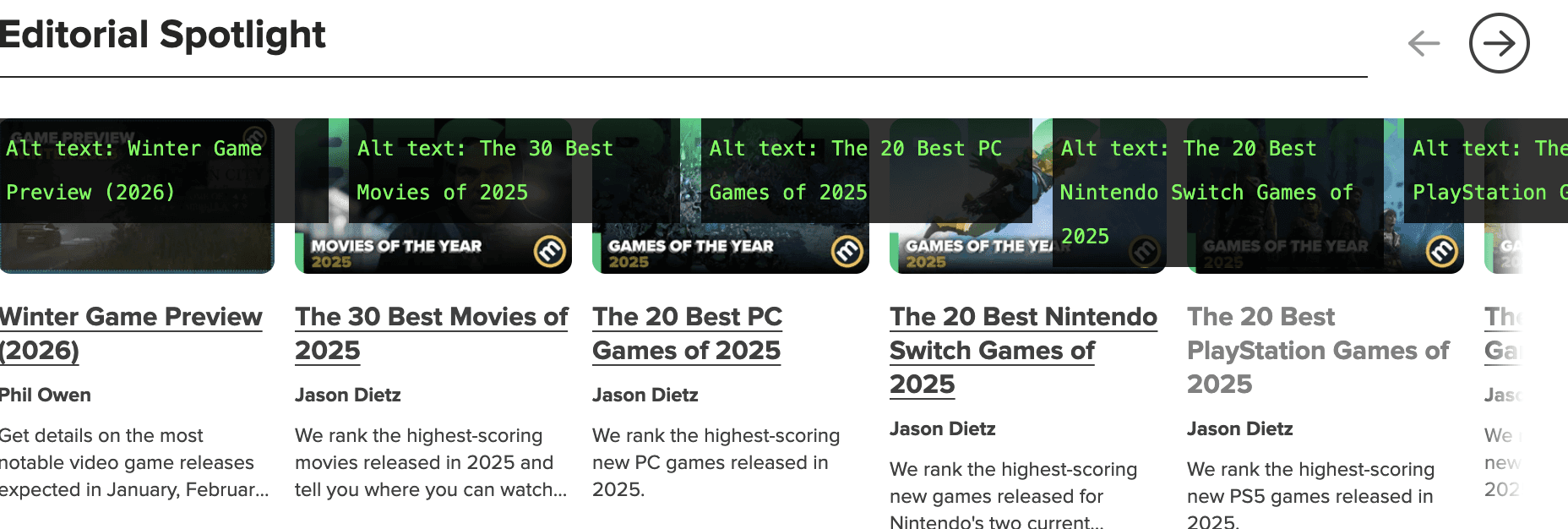
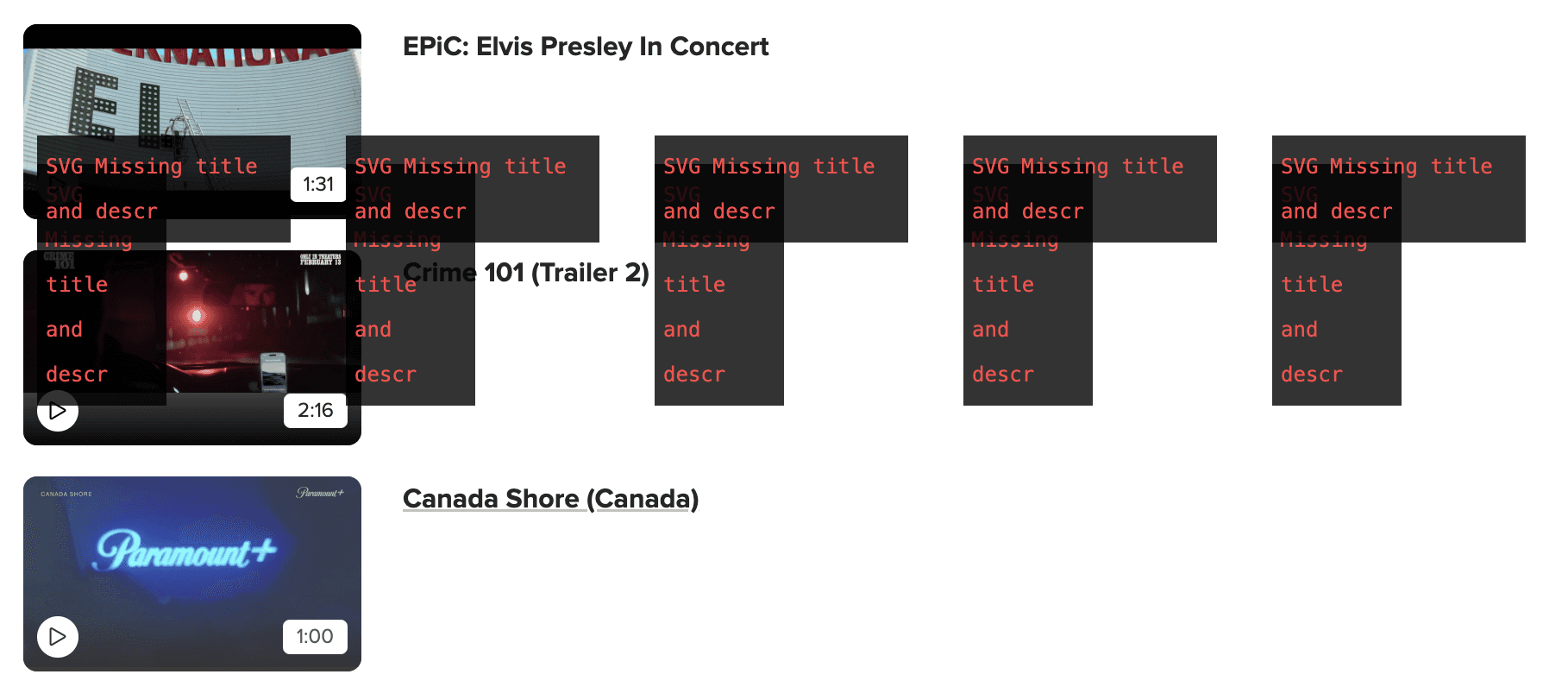
The existing Image Alt Text Viewer extension for Google Chrome. It's interesting, if a little chaotic